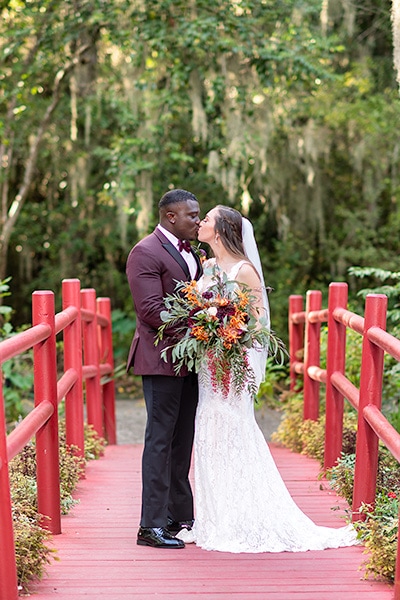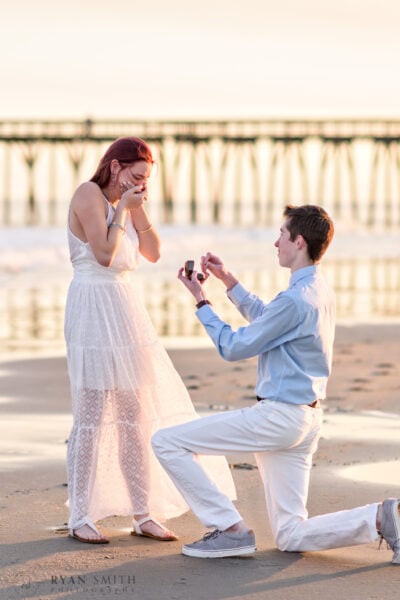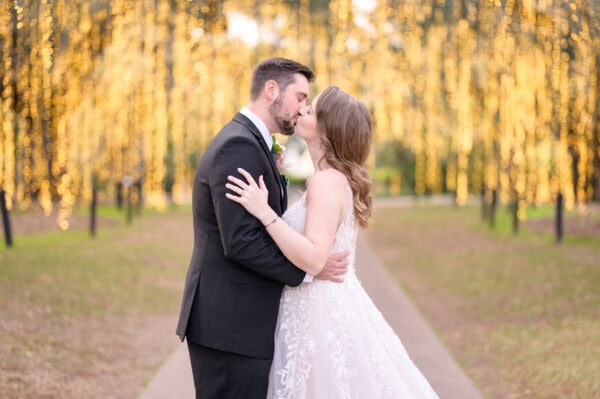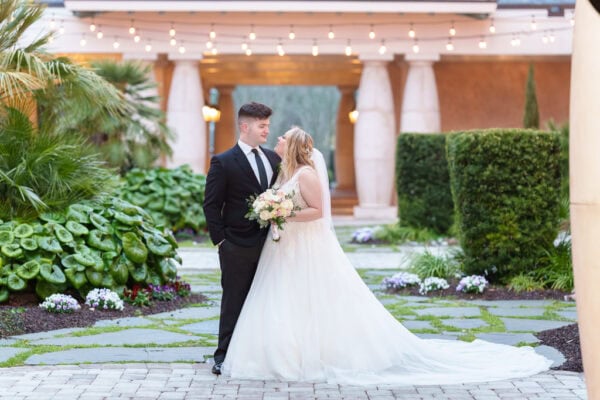
Latest Entries »

Experimenting D700 high iso, iso 3200

I’m just experimenting with my new camera until I have a real shoot this weekend. Actually the D700 really won’t make much of a difference over my D300 for outdoor photography in good light. Where the advantage comes in is for example at a wedding reception. It can easily take pictures at iso 3200 with very little noise and 6400 looks clear as well. That is about 4-8 times as sensitive to light as my old camera, and about 50-100x more sensitive than a typical point and shoot. So if you liked my pictures before, for example something taken in candlelight, they are going to look incredible now. This is one of the top cameras there is for taking pictures in low light.

Something I was just thinking about as well.  Cameras like this so far blow away what was possible in the film days, any photographer that acts like they are somehow better because they use film or should charge a premium for this, they are fooling you.  There is just no comparison between the digital camera technology available now with anything that came before in my opinion.

Happiness

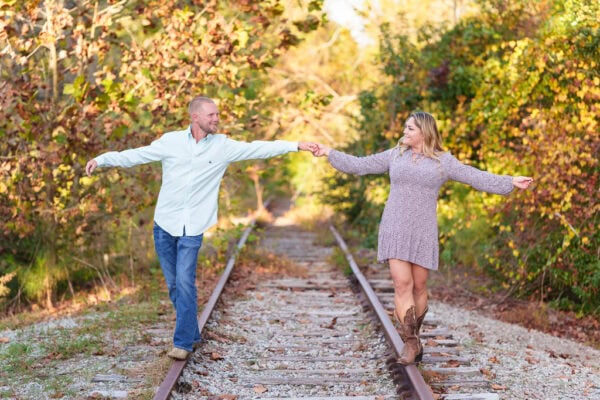
I just really loved this shot because they look so happy. Something that always happens with sessions is the first pictures look more posed and stiff, then after a while I can usually get the couple to loosen up and have some fun with it.
I thought this was a cool picture. It’s funny how a picture can make a spot look a lot more dramatic than it really is. This is just an old oak tree in the Myrtle Beach State Park. But it looks like the middle of some old creepy woods somewhere.

Nikon FX Camera

I’ve finally made the move fully to the Nikon FX full frame sensor format camera. My D300 is a great camera, but I really want the low light performance of the full frame sensor.  I have both the Nikon 24-70 and 70-200mm ED lenses so I’ve been ready for full frame from that end for a while. I just never went ahead with the camera upgrade until now. If you are not familiar with the advantages of the FX format, one huge thing is the low light sensitivity.  This really comes in handy with reception pictures because the camera can almost shoot in the dark even without flash and still get a good image. This camera blows away what was possible in the film days. I’m looking forward to seeing what is possible.

Wordpress for Android

Wordpress is so cool just got the Android app. Works great.

New Client Proof Gallery System

Ryan Smith Photography’s Client Proof Gallery System.

I’m working on a new client proofing system using TTG Highslide Pro.  When you first go to the proof gallery it might not look as fancy as the old one.  This is because the old gallery worked on Flash and this new system is pure html and javascript.  But it actually has tons of advantages.

First because it doesn’t use flash it can be viewed at work and places where they block flash, as well as on mobile devices such as the iPad that doesn’t support flash.

Another cool feature is the way you can compare multiple images. You can click an image to enlarge it, then click other images and bring them up as well. Then you can drag the images around in the browser window to compare two or more side by side. It’s a really amazing effect.

Finally the gallery just runs a lot faster, I’m still tweaking and working bugs out but it’s just about ready to go. I hope it helps clients out in picking what images they want to order.

The iPad Will Change Photography – Part 3 « Photofocus.

This article was really interesting talking about using the iPad to show clients example wedding pictures.  I might try that, right now I just move one of my monitors where clients can see it and go through some weddings and things.  It might be nice just to hand them the iPad and let them looks through pictures on their own.  I’ll have to try it and see how it works out.

Engagement Book

I just finished up another engagement layflat book for a client, I thought I would upload the layout to take a look at.  This book design is nice because it leaves lots of space so guests at a wedding reception can write in it.

Example of short depth of field

Example of short depth of field

This picture might look a bit crazy, but I just wanted to point out how using a shallow depth of field can make a much more dramatic image.  The reason I decided to blog this, I had a client the other day asking me why in my pictures the background is really blurry and some other photographers had everything in focus including the background, and he of course liked my look.  So I thought I would briefly explain what is happening.   The effect you are seeing in this image is called a shallow depth of field.  As you see only a very small area of the image, ideally the eyes are in focus, and as you move into the foreground or background the focus quickly blurs.   A short depth of field is typically considered to be very desirable in a portrait because it highlights the subject and can make for a beautiful out of focus background or bokeh.

This image was taken with a Nikon f2.8 ED lens that zooms from 24-70mm.  This lens cost about $2000 and it’s very large and heavy, so it’s not something that the average person that doesn’t do this for work is going to want to buy and carry around.  I can’t explain to you all the physics of how a lens works, but all you really need to know if the lower the f-stop number, in the case of professional portrait zoom lenses it’s almost always f2.8, the wider the aperture and the shorter the depth of field.   The aperture is similar to our pupil, it expands and contracts to control the amount of light entering a lens.  If you want to learn everything about the aperture you can visit wikipedia.   Typically the larger a lens is the bigger this aperture opening can be and the more light the lens can focus on the sensor that records the image.

Diagram from Wikipedia of lens aperture

To get the effect you see in the image above, you need either a really expensive zoom lens like I was using, or a prime lens.  A prime lens is fixed, it doesn’t zoom.  For example a $100 50mm prime lens has an aperture of f1.8.  That means it can let in much more light and has even a shallower depth of field than my expensive zoom.  There are other features of a good lens that make the out of focus area or bokeh look nice, but you can get a fantastic looking image out of even a cheap prime lens as long as you don’t mind zooming with your feet.  I tend to prefer zoom lenses most of the time because weddings and family pictures can be so hectic and I’ve got to get the shot very quickly, but if you have the time and flexibility a prime lens will give some of the best images possible.

To sum it up, if you want beautiful images for cheap, get a DSLR and a 50mm f1.4 or f1.8 prime lens depending on how much you want to spend.  You will have a camera that can take images that rival just about anything.  If you’re a pro you really need to invest in the Nikon 70-200mm and 24-70mm ED prime lenses like I have in addition to primes.  This gives you the flexibility to zoom and get a short depth of field and low light sensitivity.  I think as my client mentioned, some photographers just don’t have the budget for good lenses, or if they have them they don’t know how to use them.  I hope this helps explain a bit how good lenses benefit an image.

I just thought I would post some thoughts on things I’ve learned over the past couple of years about backup strategies. This is what seems to work very well for me.

When I first heard the saying, “A file doesn’t exist unless it is in 3 places” I thought that was overkill. But that is really something to live by, because you never know what will happen due to hardware failure or just user stupidity.

First of all I import all my original files onto an internal hard disk.   As soon as they are imported Carbonite begins doing an online backup of the images so I have a secure offsite backup.   Also every night any new pictures imported are automatically backed up to my Data Robotics Drobo which is similar to two backups in itself because of it’s data redundancy, see http://www.drobo.com for more information.  I don’t delete the original files off the memory cards immediately but wait until the following day when I know everything is backed up securely and I’ve looked at the images to make sure everything is good.  If you are really fanatical Lightroom also gives the option to copy the images to two locations on import, but with the system I have I don’t really do that anymore.  So at all times I have the working copies on my internal drive, the Drobo copy that is a double backup in itself, and the offsite Carbonite backup.

Another very important thing is to back up the Lightroom catalog.  Remember you don’t have to backup all the Lightroom cache files, but just the actual small catalog file itself. Lightroom backs this up once a week, but I can make hundreds of changes and adjustments to images that are only stored in the catalog in that time.  So I have my Acronis backup software make an automatic backup of the catalog every hour.  That way in a worse case I only lose an hour of work at the most.

This is what I do that seems to work pretty well.  Carbonite is slow, but it can also be a lifesaver in a worse case scenario.   Once because of importing some pictures to the wrong location and not realizing I didn’t have a backup, I would have lost them completely if Carbonite hadn’t automatically seen the files and made a backup.  You hope it never gets to that point, but you never know what is going to happen and an offsite backup is always a good idea.  Hope this helps.

Powered by WordPress. Original theme: Motion by 85ideas. Modified for Ryan Smith Photography by Ryan Smith.